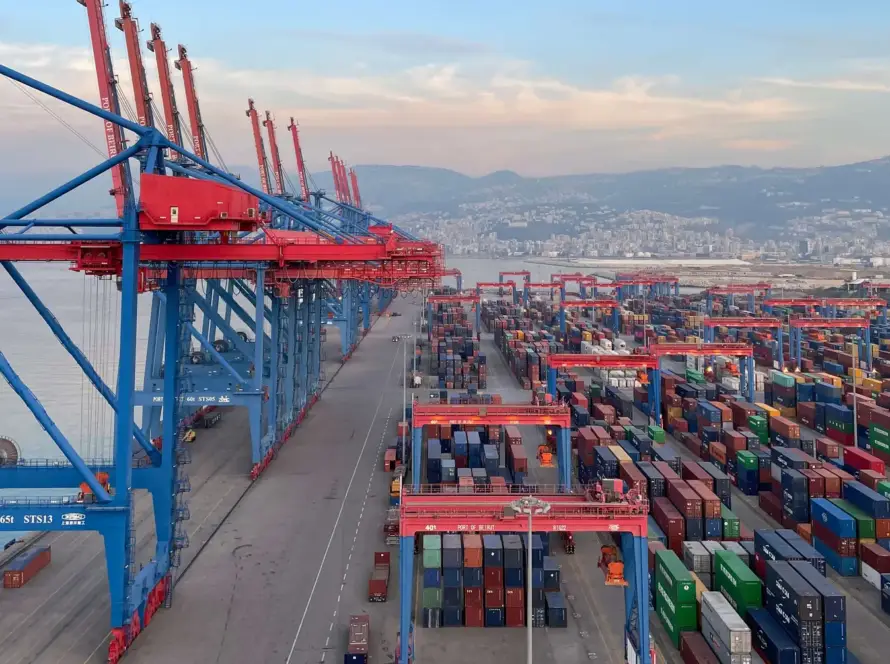
Export documentation management software helps logistics, import and export teams organize shipment documents, version history, customs requirements and secure sharing in one workspace. Naviflow centralizes commercial invoices, packing lists, bills of lading, certificates and related shipment records so teams can reduce document confusion and keep shipment operations moving.
Manage Export Documents Without the Email Chaos
Export documentation delays shipments more often than transportation issues.
Missing paperwork, outdated files, incorrect document versions, and scattered communication can slowcustoms clearance, create unnecessary costs, and frustrate customers.
Naviflow helps importers, exporters, and traders centralize shipment documentation in one secureworkspace. Every document stays attached to the shipment record, making it easy for internal teams andexternal partners to access the information they need without endless email exchanges.
Built for International Trade Teams
Export documentation involves coordination across multiple stakeholders.
Operations teams need to manage:
Commercial invoices
Packing lists
Bills of lading
Certificates
Customs documentation
Customer requirements
Carrier paperwork
When these documents are spread across inboxes, shared drives, and local folders, mistakes becomeinevitable.
Naviflow provides one structured system for managing export documentation from shipment creationthrough final delivery.
The Hidden Cost of Poor Document Management
Many organizations still manage shipment documents manually.
Common challenges include:
- Multiple document versions circulating internally
- Missing paperwork delaying shipments
- Difficulty locating historical shipment files
- Customer requests requiring manual document retrieval
- Teams unsure which documents are required for each destination
These issues create operational risk and consume valuable time.
Without Naviflow vs With Naviflow
Without Naviflow
With Naviflow
- Documents stored across inboxes and folders
- Multiple versions create confusion
- Manual document sharing
- Difficulty finding historical files
- Unclear customs requirements
- Shipment records scattered across systems
- Centralized shipment document repository
- Version history and document tracking
- Secure partner portals
- Searchable shipment archive
- Destination-specific document guidance
- Documents attached directly to shipment records
Centralized Shipment Documentation
Naviflow provides a structured document management workflow designed specifically for internationaltrade.
Teams can:
- Upload shipment documents
- Categorize files automatically
- Track document history
- Manage revisions
- Share documents securely
- Retrieve historical shipment records instantly
Every file remains connected to the shipment timeline.
Structured Document Classification
Not all documents serve the same purpose.
Naviflow organizes files into logical categories, helping teams maintain consistency across every shipment.
Examples include:
Commercial documents
Transport documents
Customs documents
Certificates
Customer documentation
Vendor documentation
This structure makes information easier to locate and audit.
Version Control & Document History
One of the most common causes of shipment errors is working from outdated documents.
Naviflow provides document version tracking so teams always know:
- Which version is current
- Who uploaded changes
- When changes occurred
- How to restore previous versions
This reduces confusion and improves accountability.
Destination-Specific Documentation Requirements
Different countries require different documentation.
Naviflow helps teams understand destination-specific requirements so shipments are better prepared forcustoms clearance.
Instead of relying on tribal knowledge or manual checklists, teams have documentation guidance directlywithin their operational workflow.
Secure Partner Collaboration
Documentation often requires collaboration between:
Customers
Suppliers
Freight forwarders
Customs brokers
Internal teams
Naviflow enables secure document sharing through partner portals, allowing stakeholders to exchangeinformation without relying entirely on email.
Everyone works from the same shipment record.
AI-Powered Document Retrieval
Finding shipment documents should not take minutes.
Naviflow’s AI Assistant helps users:
- Locate shipment records
- Find supporting documentation
- Review shipment history
- Identify missing documents
- Answer operational questions
This reduces time spent searching and improves operational efficiency.
Why Teams Choose Naviflow
Organizations choose Naviflow because it combines documentation, shipment visibility, communication,and collaboration in one platform.
Benefits include:
- Centralized document management
- Version control
- Secure sharing
- Destination-specific requirements
- Faster document retrieval
- Improved shipment visibility
- Complete shipment audit trail
Frequently Asked Questions
Export documentation management software helps businesses organize, manage, share, and track shipment documents throughout the export process.
Yes. Naviflow supports commercial, transport, certificate, customs, and other shipment-related documents.
Yes. Teams can review document history and restore previous versions when needed.
Yes. Customers, vendors, and logistics providers can exchange documents through secure partner portals.
Yes. Naviflow provides searchable access to completed shipment records and documents.
Ready to Simplify Export Documentation?
See how Naviflow helps international trade teams organize, manage, and share shipment documents fromone centralized platform.